A useful conversation can contain information that is difficult to remember later. A lecturer might explain an important concept in a few minutes, or a manager might discuss several deadlines during a meeting. Trying to capture every detail while listening can quickly become frustrating.
This is one reason AI-powered recording technology is attracting attention. Instead of leaving you with nothing but an audio file, these tools can help convert spoken information into written material that is easier to revisit.
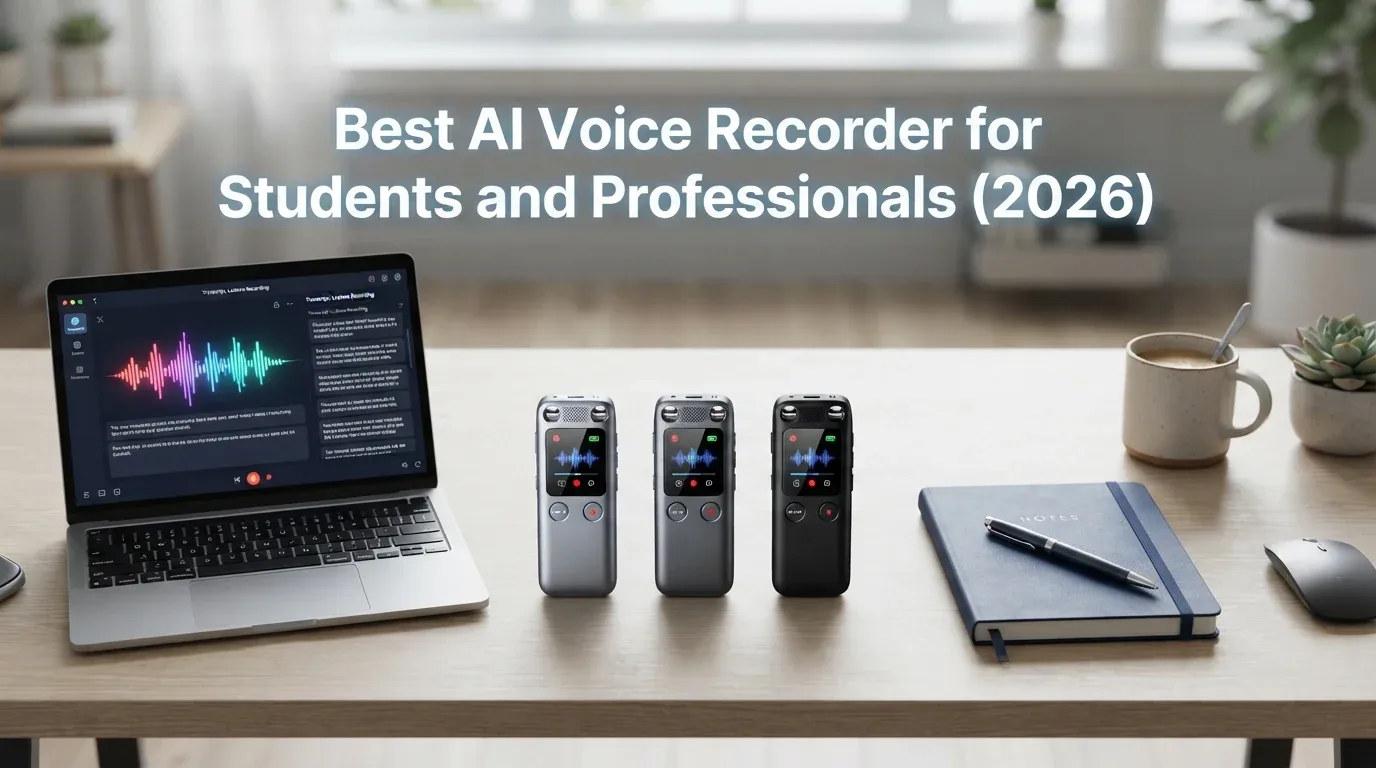
The interesting part is that you do not necessarily need an expensive recording gadget. Some people will benefit from a dedicated pocket recorder, while others can achieve similar results with software installed on a phone or computer.
Let’s look at the available choices, what separates them, and where each one makes sense.
The AI Recording Tools Worth Knowing About
PLAUD Note Pro: A Pocket Recorder for Busy Days
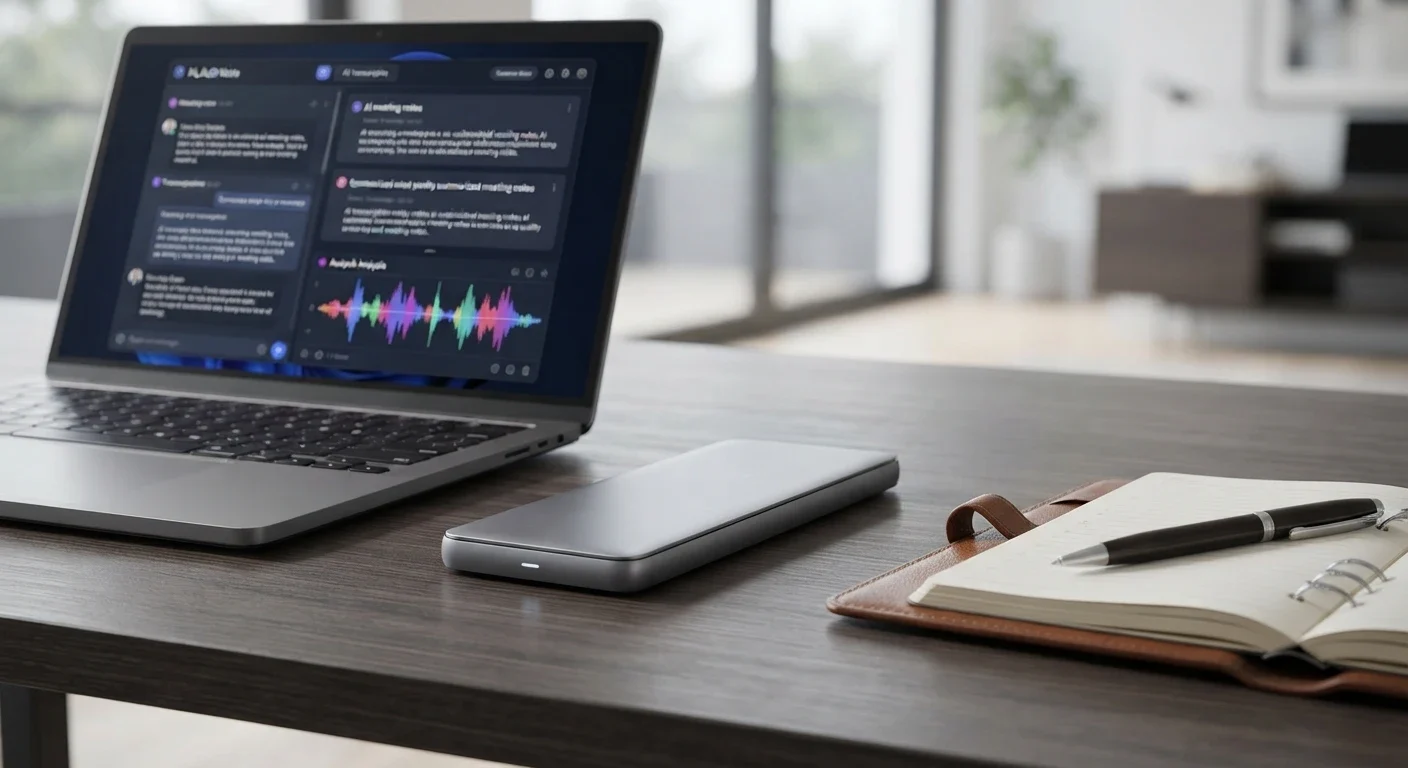
Carrying another electronic device might sound unnecessary, but it can make sense when recording is a regular part of your day. PLAUD Note Pro is a compact recorder aimed at people who want a dedicated way to capture conversations.
Its slim format makes it convenient to carry alongside everyday belongings. The device works with PLAUD’s companion software, where recordings can be processed into transcripts and AI-assisted notes.
One appealing use case is a student who wants to revisit an explanation after returning home. Rather than relying on a few hurried sentences written during class, the student can consult the recording and its associated transcript.
It may also help someone conducting interviews or collecting information during appointments.
Reasons to consider it:
- Separate recording hardware rather than another phone application
- A portable design suited to regular use
- Companion software for reviewing captured material
- Transcription and AI-assisted note features
- Local storage for audio recordings
What deserves attention: The overall cost includes more than the device itself. Check the current transcription allowance and paid-plan requirements before ordering. Also investigate how well its language recognition works with the people you normally record.
Best suited to: People who regularly capture interviews, lessons, consultations, or face-to-face discussions.
HiDock P1: For People Who Work Through Conversations
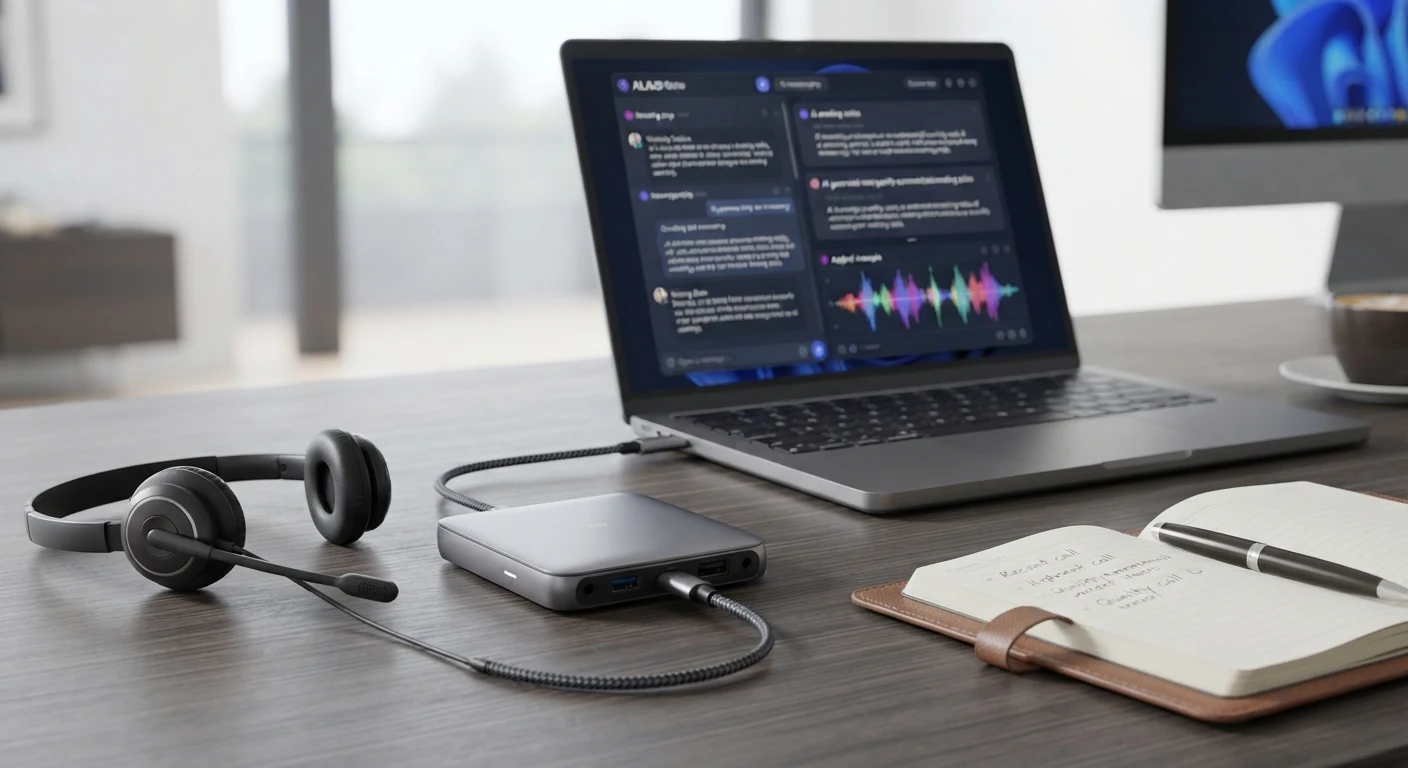
Some jobs involve very little paperwork but an enormous number of conversations. Sales representatives, remote employees, consultants, and project managers often need to remember what was agreed during calls.
HiDock P1 is built around this kind of working environment. Its features include a meeting-focused recording workflow and support for compatible Bluetooth-call recording. Its associated software helps users work with recorded discussions and generated meeting information.
Imagine finishing a client conversation and needing to check a particular instruction. Having a recording and searchable written material can be more convenient than trying to remember the exact words several hours later.
However, the device is not something I would recommend buying without checking compatibility first.
Reasons to consider it:
- Designed for people with frequent conversations
- Features intended for supported Bluetooth calls
- Software-assisted meeting documentation
- Internal storage
- Tools for reviewing captured discussions
Possible drawbacks: Its usefulness depends on your existing equipment and preferred software. Buyers should investigate supported connections, file-export facilities, and subscription arrangements.
Best suited to: Professionals who spend much of their working day discussing projects, speaking with clients, or attending meetings.
Otter.ai: An Alternative That Uses Your Existing Devices
Not everyone needs to purchase a separate piece of hardware. If you already own a decent smartphone or laptop, a transcription application could be a more economical starting point.
Otter.ai provides software-based conversation transcription and meeting documentation. Users can work with transcripts, search recorded information, and review supported meeting content through its platform.
For a university student, this can be useful when studying material from a recorded discussion. Someone working remotely may prefer having searchable meeting records rather than keeping dozens of audio files with unclear names.
The main advantage is that you can explore the service without purchasing a dedicated recorder.
Reasons to consider it:
- Uses supported smartphones and computers
- Provides conversation transcription
- Helps organize meeting information
- Offers searchable records
- Has an entry-level free option
Possible drawbacks: Free usage is restricted, and some functions depend on internet connectivity. Check language availability and plan limitations if you intend to use it regularly.
Best suited to: People who prefer working from their computers or smartphones and do not need separate recording hardware.
Which One Makes More Sense for Your Work?
These products address slightly different problems. Comparing them only by their feature lists can lead to the wrong purchase.
| Your daily requirement | Product worth investigating |
|---|---|
| Recording lessons and classroom explanations | PLAUD Note Pro |
| Keeping a separate device for interviews | PLAUD Note Pro |
| Documenting frequent compatible calls | HiDock P1 |
| Creating searchable online meeting records | Otter.ai |
| Trying transcription before buying hardware | Otter.ai |
My preference would depend on recording frequency. Someone capturing audio every working day may appreciate dedicated hardware. Someone recording two or three discussions a month should probably experiment with an application first.
How to Prepare Your First Recording
There is little point discovering that a device is configured incorrectly halfway through an important conversation. Give yourself time to test it.
For a dedicated recorder, begin by charging it and installing the manufacturer’s application. Complete the connection process, check the available storage, and confirm how much transcription usage your account includes.
Next, record a short conversation from the position where you expect to use the device. Play it back using headphones. Listen for distant voices, distortion, and distracting background sounds.
For an application such as Otter.ai, install the supported version, sign in, and examine its microphone permissions. Make a sample recording and inspect the resulting transcript.
Before using either approach for important work, check that the final audio is actually being saved. A successful connection does not always mean the recording has been captured correctly.
Three Free Ways to Explore AI Note-Taking
Spending money before understanding your needs is rarely a good idea. You can experiment with several approaches first.
Notta: This service offers tools for converting speech into written material. It is worth exploring if you want to compare transcription features with other applications.
Otter.ai: Its entry-level offering provides an opportunity to test automated meeting documentation. Pay attention to its current monthly allowance.
Your phone’s recording application: A standard audio file can be a useful starting point. You can later process it through a compatible transcription platform, depending on file support and service limitations.
These options are particularly useful for students who want to test the technology without adding another expense to their study budget.
Buying Advice: Details That Deserve More Attention
A product may advertise impressive AI capabilities, but the everyday experience depends on less exciting details.
Language recognition: This deserves particular attention if your conversations switch between English and Urdu. Do not assume that support for multiple languages guarantees accurate recognition of mixed-language speech.
Audio access: Make sure you can retrieve the original recording. A transcript is useful, but having the audio available allows you to verify information that the software misunderstood.
Long-term cost: Calculate the amount you would spend over a year, including any recurring payment. A cheap device with expensive usage requirements may not be economical.
Data protection: Recordings can contain private conversations, customer information, or classroom discussions. Read the provider’s privacy documentation and understand its retention and deletion policies.
Realistic microphone performance: A quiet room and a crowded lecture hall are very different recording environments. Look for reviews that describe conditions similar to yours.
The Final Buying Decision
An AI recording tool should solve a particular problem, not simply add another device to your collection.
PLAUD Note Pro is worth examining if you want a portable recorder for regular in-person conversations. HiDock P1 is more relevant to people whose work involves compatible calls and meetings. Otter.ai is an accessible route for anyone who would rather use existing hardware.
Before making a purchase, try the transcription workflow with a recording of your own voice. Check whether the result is understandable, whether the application handles your language, and whether the ongoing cost fits your budget.
The best choice is not necessarily the device with the longest feature list. It is the one that helps you recover useful information without making your everyday routine more complicated.